Enter the admin password to unlock editing tools (tags, map coordinates, titles, stories, and adding features).
Note: this is client-side protection for an offline site. It prevents casual edits but is not “secure” against someone reading the source.
Preview
Quick help
How this works: everything you change in Admin is saved locally in your browser (offline).
Edit an existing feature: select it, click Edit, then update title/story/tags, image, and map pin.
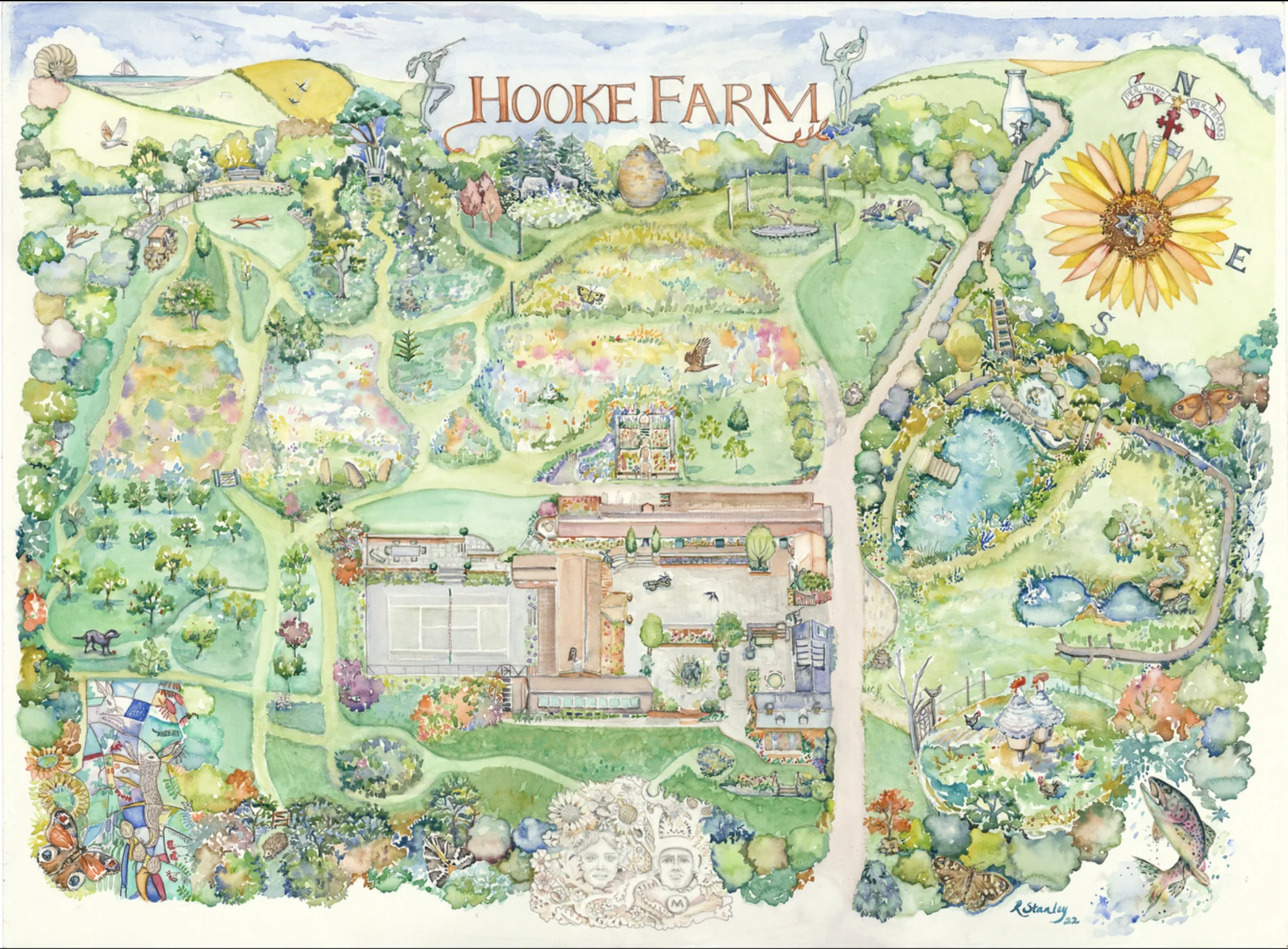
Pick pin from map: in Edit mode, click the button, then click the map to fill x/y automatically.
Remove / restore: “Remove feature” hides it from the map + list; you can restore it later.
Add new feature: use the Add tab to upload an image, set a pin, and write a story.
New feature preview
Quick help
Pin: set x/y or use “Pick pin from map”.
Image: keep it reasonably small for best offline storage reliability.